3 updates
Welcome to the ninth issue of the Moda weekly update. This week we've published guides for teams running agents in production. They cover questions that come up when you're trying to understand an agent's work: how much to trust a judge, what counts as a tool failure, and how to tell when a user is frustrated.
We've also separated recorded background work from customer activity in the dashboard, and made a few smaller fixes to reading traces.
New guides for agents in production
We've published field guides on evaluating agents, finding failures, and choosing monitoring tools. You can find them together on our new Guides page, alongside our existing writing on silent failures and tool comparisons.
A trace can show you what an agent did. Deciding whether it did the right thing takes more work. These guides walk through that work with examples you can inspect and checks you can use in your own setup.
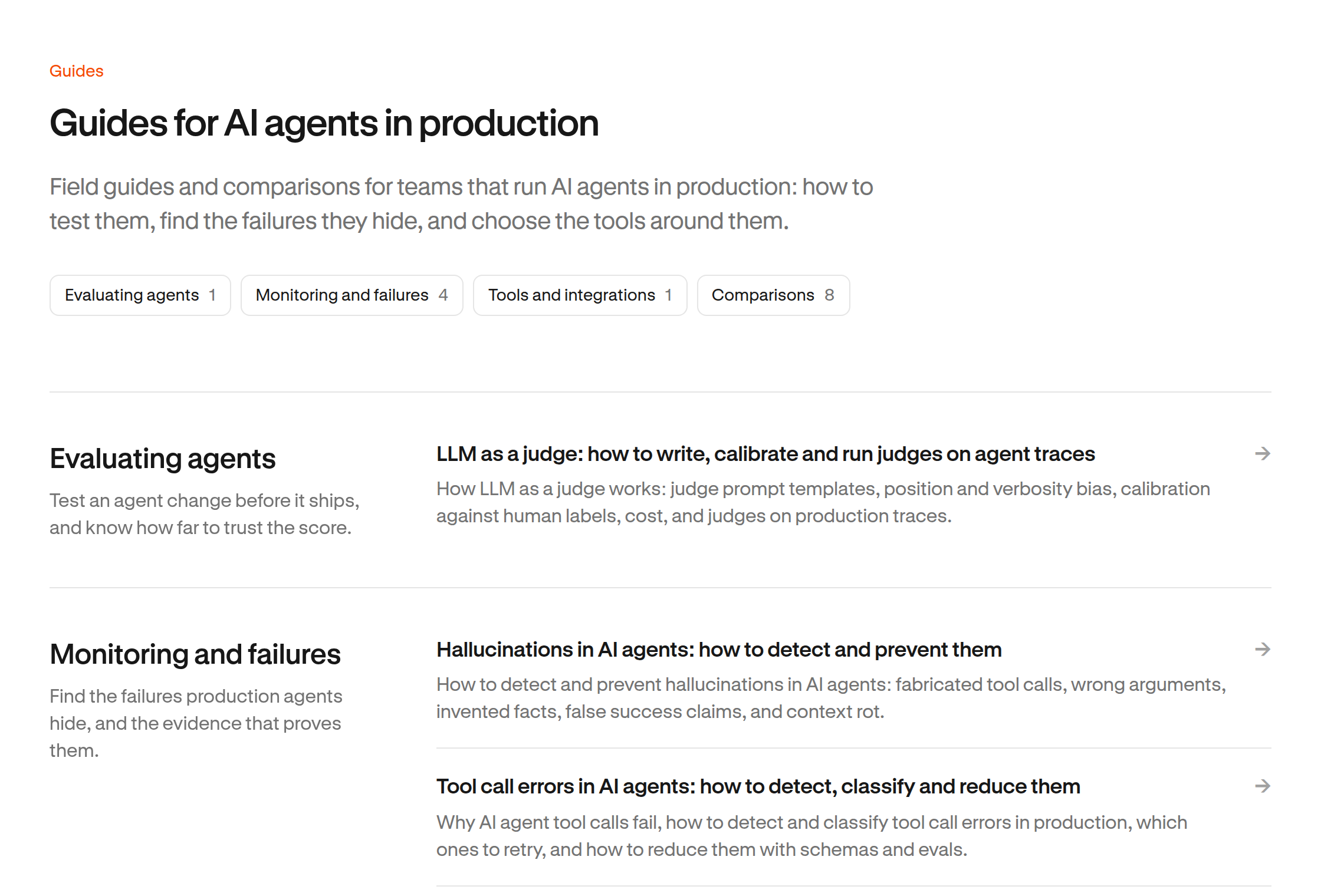
If you're using a model to grade another model's work, start with LLM as a judge. It covers writing the criteria, checking verdicts against human labels, and looking for bias before you trust the score.
For production failures, we've added guides to hallucinations, tool call errors, and user frustration. They look at the evidence behind an answer, when retrying a tool makes sense, and how to separate a user correcting the agent from a user getting upset.
There's also a new observability tools buyer's guide and a Langfuse vs LangSmith comparison. If you're choosing tools, these lay out the differences in tracing, evaluations, hosting, and cost. They're reading resources you can use with your own agents, whichever tools you run.
Separate background work from customer activity
The dashboard now leaves out recorded background work from customer analytics, metrics, and conversation counts by default. The original turns remain available in individual traces and exports.
An agent can check for updates on a schedule without a person asking it to do anything. Mixing those checks with customer conversations makes it harder to see how people are actually using the agent.
This change applies when your integration labels the work as background activity when it records it. If that label is missing, Moda still counts the turns as interactive. We don't guess which older turns were background work. A conversation that also contains interactive turns can still appear in the conversation list.
Other improvements
We've made long traces easier to read, removed an extra expansion step from emails and calls, and kept selected controls clear when you move the pointer over them.
Trace and Timeline load the next part of a conversation as you approach it. Loading more content no longer adds a loading bar over what you're already reading.
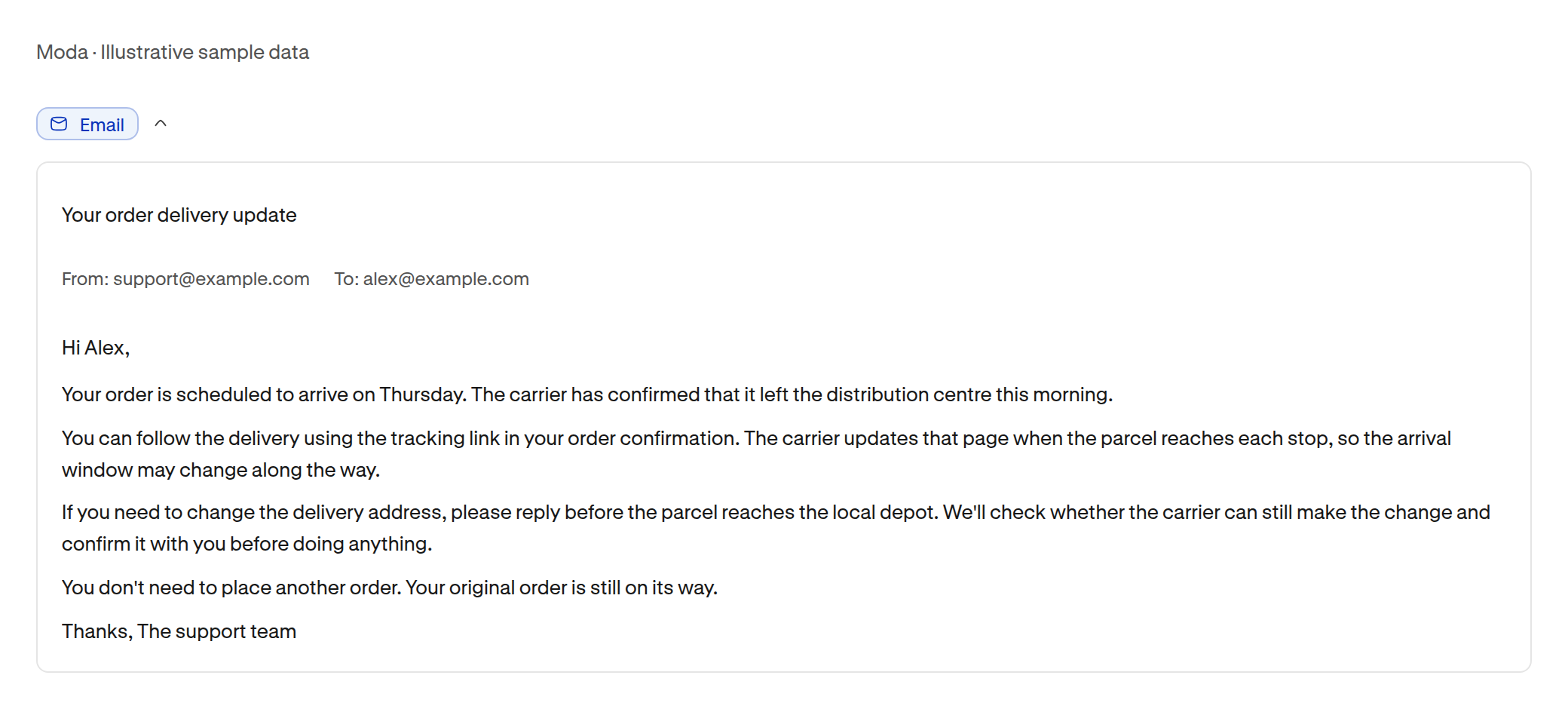
Opening an email or call transcript now shows its full text without another Show more control inside. You can still collapse the outer card when you're done.
Selected navigation items, filters, page controls, and rows also keep their selected appearance on hover. Keyboard focus and press feedback still work.